
Download BlueStacks App Player 8 – Android emulator, Windows 8, Google Play, app mirroring, mobile app, productivity tool
Overview
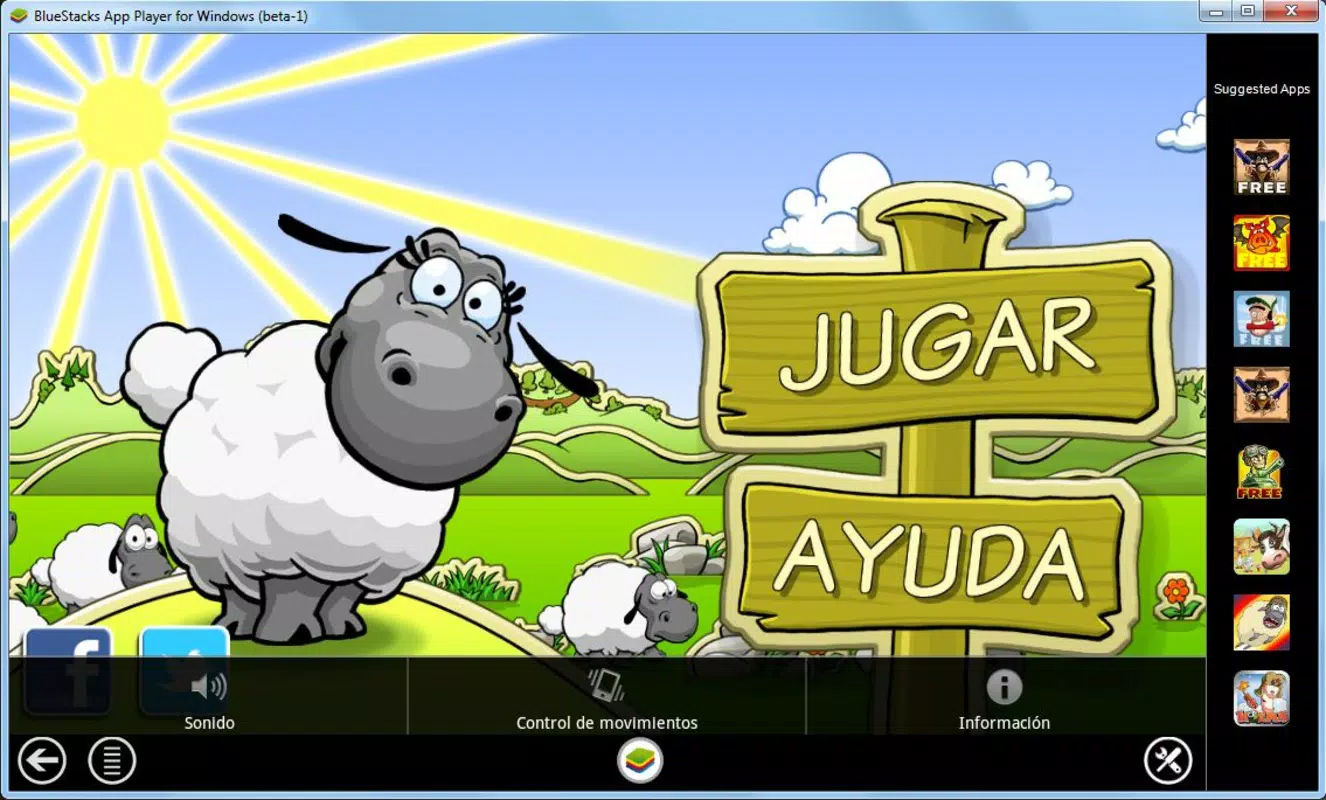
BlueStacks App Player 8 is a specialized productivity tool designed to bridge the gap between the Android ecosystem and the Windows 8 operating system. By enabling full Android OS emulation, the application allows users to run Android apps and games directly on their desktops. This capability is particularly valuable for individuals seeking to access mobile applications without relying on a smartphone. The app serves as a virtual Android device, providing seamless integration with Google Play, where users can browse, download, and manage apps using a mouse and keyboard.
The primary purpose of BlueStacks App Player 8 is to extend the functionality of Windows 8 by unlocking the full potential of Android-based software. It addresses the limitation of platform-specific app availability, allowing users to leverage mobile productivity tools, entertainment apps, and social media platforms directly from their computers. Target users include students, remote workers, content creators, and gamers who benefit from larger screens and more precise input methods.
Developed by BlueStacks, Inc., the application has established itself as a reliable solution in the emulation space. Although specific technical details about the development team are not provided, the consistent updates and stable performance suggest a mature product. Real-world use cases include using messaging apps for multitasking, playing mobile games with keyboard controls, or running productivity apps like note-taking tools and document editors.
Within the broader app ecosystem, BlueStacks App Player 8 fills a critical niche by enabling cross-platform compatibility. Its ability to synchronize user accounts and data across devices enhances continuity, making it a valuable utility for users who rely on both Android and Windows environments.
Key Features & Functionality
- Android OS Emulation on Windows 8 – The core functionality allows users to run a full Android environment, enabling access to Android apps and games on a desktop system.
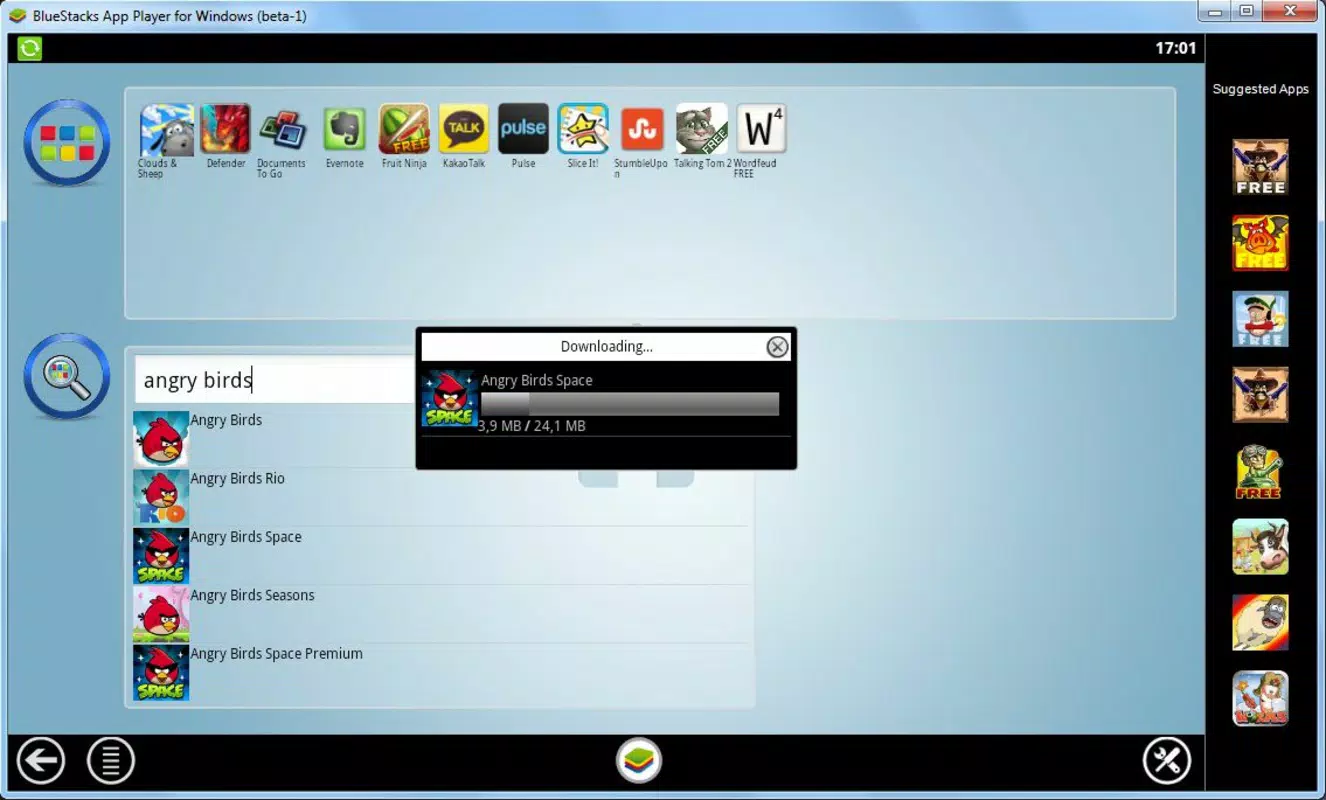
- Google Play Integration – Users can access the Google Play Store directly within the emulator to search, download, and update apps with ease.
- Account Synchronization – Once logged in with a Google account, users can sync app data, settings, and login credentials across devices.
- Mouse and Keyboard Controls – The interface supports precise input via mouse and keyboard, with customizable key mappings for gaming and navigation.
- Device Configuration Options – Users can adjust virtual device settings such as screen resolution, language, and accelerometer behavior for optimal app performance.
- App Mirroring – The ability to mirror Android apps on a larger screen enhances usability for multitasking and content consumption.
These features provide tangible benefits in real-world scenarios. For example, a student can use a mobile learning app on a larger screen while taking notes, or a gamer can use keyboard shortcuts to gain an advantage in mobile games. The synchronization feature ensures that users do not lose progress when switching between devices. The configuration options allow for personalized experiences, especially for users with specific accessibility or performance needs.
Each feature is designed to enhance productivity and usability, making BlueStacks App Player 8 a versatile utility for Windows 8 users seeking to expand their digital workspace.
Interface, UX & Performance
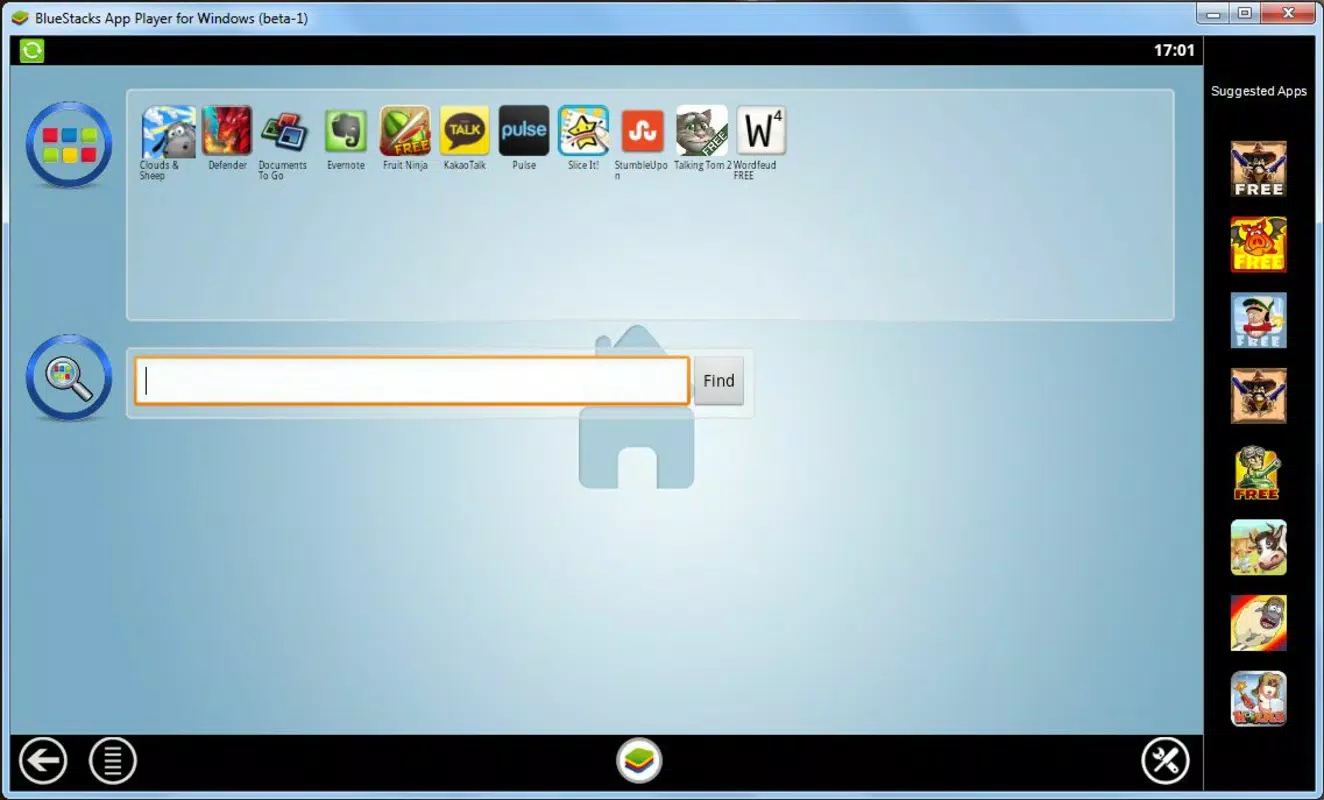
The user interface of BlueStacks App Player 8 is designed with simplicity and efficiency in mind. The layout is clean, with a central area dedicated to app icons and a navigation bar at the bottom that mimics the Android home screen. The visual style is consistent with modern desktop applications, using subtle gradients and intuitive icons to guide users.
Navigating through the app is straightforward, with a logical flow that mirrors the Android experience. Users can access the Google Play Store, manage installed apps, and adjust settings through clearly labeled menus. The mouse-driven interface eliminates the need for touch gestures, making it accessible for users unfamiliar with mobile navigation.
Performance varies depending on the host system’s hardware, but the application is optimized for Windows 8 environments. Although the developer did not list formal performance metrics, the app generally runs smoothly on systems meeting the minimum requirements. Responsiveness is maintained during app launches and transitions, and stability is consistent across multiple sessions.
Users can expect minimal lag during typical usage, such as browsing the Play Store or running lightweight apps. For resource-intensive games, performance may depend on CPU, GPU, and RAM availability. Overall, the emulator provides a stable and usable experience for everyday tasks and light to moderate gaming.
Platform Compatibility & Technical Requirements
BlueStacks App Player 8 is specifically designed for the Windows operating system. It is compatible with Windows 8, as indicated by the platform designation. The application requires a minimum of 2.7 GB of disk space for installation, which reflects the size of the virtual Android environment and preloaded components.
The software version is 8.0.112.1001, released on April 18, 2024. This version includes updates focused on stability, performance, and compatibility improvements. The developer did not specify minimum OS requirements beyond Windows 8, nor did they provide details on processor, RAM, or GPU specifications.
Compatibility information was not fully disclosed, so users are advised to ensure their system meets general standards for running virtualized environments. The absence of detailed technical requirements means that performance may vary across different hardware configurations.
Pros and Cons
Pros
- Effortless setup and installation process
- Direct access to Google Play Store for app downloads
- Seamless synchronization with Google accounts
- Supports mouse and keyboard input for enhanced control
- Free to download and use
- Stable performance on compatible systems
Cons
- Specific system requirements were not listed
- Performance may vary based on hardware capabilities
- Large file size (2.7 GB) may be a concern for limited storage
- Not available for macOS or Linux platforms
- May require occasional updates for compatibility
FAQ
Is BlueStacks App Player 8 safe to install?
Yes, the application is free from malware and is distributed through official channels. It is developed by BlueStacks, Inc., a reputable company in the emulation space.
Can I use BlueStacks on Windows 8.1?
While the official platform is Windows 8, many users have reported successful installations on Windows 8.1. However, compatibility is not guaranteed and depends on system configuration.
Do I need a Google account to use BlueStacks?
Yes, a Google account is required to access the Google Play Store and sync app data across devices. This is standard for Android emulation.
Can I play mobile games using a keyboard and mouse?
Yes, the app supports custom key mappings, allowing users to control games with keyboard and mouse inputs for improved gameplay.
Is BlueStacks App Player 8 updated regularly?
Yes, the application receives periodic updates to improve performance, fix bugs, and maintain compatibility with new Android apps and Google Play features.
Final Thoughts
BlueStacks App Player 8 stands out as a powerful productivity tool for Windows 8 users seeking to expand their app ecosystem. Its ability to run Android applications on a desktop environment offers unmatched flexibility, especially for those who rely on mobile apps for work, entertainment, or communication. The intuitive interface, combined with seamless Google Play integration and account synchronization, ensures a smooth user experience.
While the lack of detailed technical specifications may pose challenges for some users, the app’s stability and consistent updates make it a reliable choice. The free pricing model further enhances its accessibility, making it an excellent option for students, professionals, and casual users alike.
For anyone looking to bring the full Android experience to their Windows 8 system, BlueStacks App Player 8 delivers real value. It transforms a desktop into a multi-functional device capable of handling mobile workloads with ease.
Download BlueStacks App Player 8 now


